UAV link
In the bottom left corner of the program, click on the connection icon:

Select the connection type in the opened dialog window, and then click on 'Connect' button.
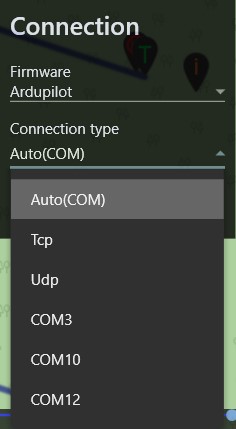
Each connection type automatically changes the parameters required to establish a connection and contains preset standard values to simplify work.
After a successful connection, the connection icon will change color to green, and the satellites indicator will display the current number of ones:
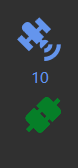 Clicking on the green connect button will break the connection.